Charged Booking
A booking page a business can put its own name on. It does exactly one thing, book a call, and it is the page our own discovery calls are booked through.
- Services
- Software · Product Design
- Type
- Studio build, used daily
- Year
- 2026
The demo uses made-up data and saves nothing. This is a Charged Studio build, not a client's system.
Why we built it
We needed a way for a stranger to book a call with us, and the off-the-shelf tools did far more than that one job. Calendly and its rivals are built for every kind of meeting, so the page a visitor sees carries someone else's brand, someone else's options and a monthly bill. We wanted one page that did one thing, looked like us, and kept the calendar private.
How it works
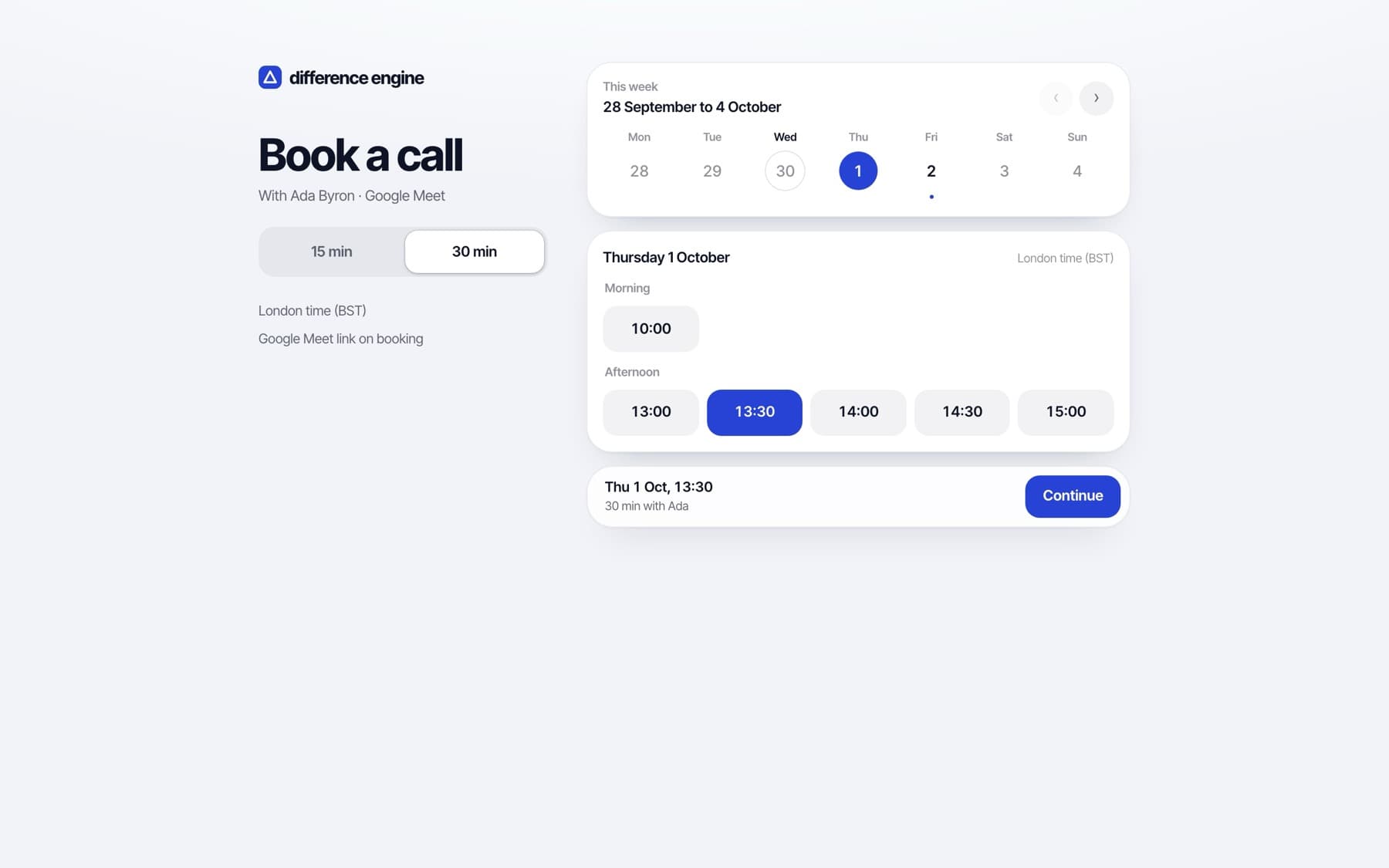
A guest picks a call length, a day and a time, and enters their name and email. The booking becomes a Google Calendar event with a Meet link, and both sides get an email. The page only ever reads when the calendar is busy, so nothing about the owner's diary leaks. The confirmation is a ticket for the call, with an add-to-calendar button and private links to reschedule or cancel. Behind it sits a mobile-first dashboard, because a phone is where you check who you are about to speak to.
From our tool to a product
Once it was running our own calls, we rebuilt it so the brand is separate from the machinery. The name, logo, colours, wording and call lengths live in one place, which is how the same code runs both the Charged page and the neutral demo you can try above. A sample-data mode runs the whole thing with no database, calendar or email, so it can be shown safely.
Key features
Pick a length, then a time
Guests choose 15 or 30 minutes first, then see only the times that fit. A link can arrive with the length already chosen.
Google Calendar and Meet
A booking creates the calendar event with a Meet link attached, and emails both sides with the link in plain sight.
Free/busy only
The public page reads when you are busy, never what you are busy with. Event titles and details are never exposed.
Guest reschedule and cancel
Every confirmation carries a private link to move or cancel the call. No account, no sign-in, and the same Meet link keeps working.
Time zones done properly
A visitor in another timezone sees their own time first with the business's time underneath, so nobody turns up an hour out.
Guardrails
Minimum notice, a buffer between calls and a daily cap, all editable. A public link stays tolerable rather than hostile.
Reminders and a dashboard
One reminder email before each call, and a mobile-first dashboard of upcoming calls with what each guest wants to talk about.
Embeds anywhere
One script tag drops the booking page into any website and sizes itself to fit.
White-label by design
Name, logo, colours, fonts and every sentence on the page and in the emails live in one brand file. A new business is a new brand, not a rewrite.
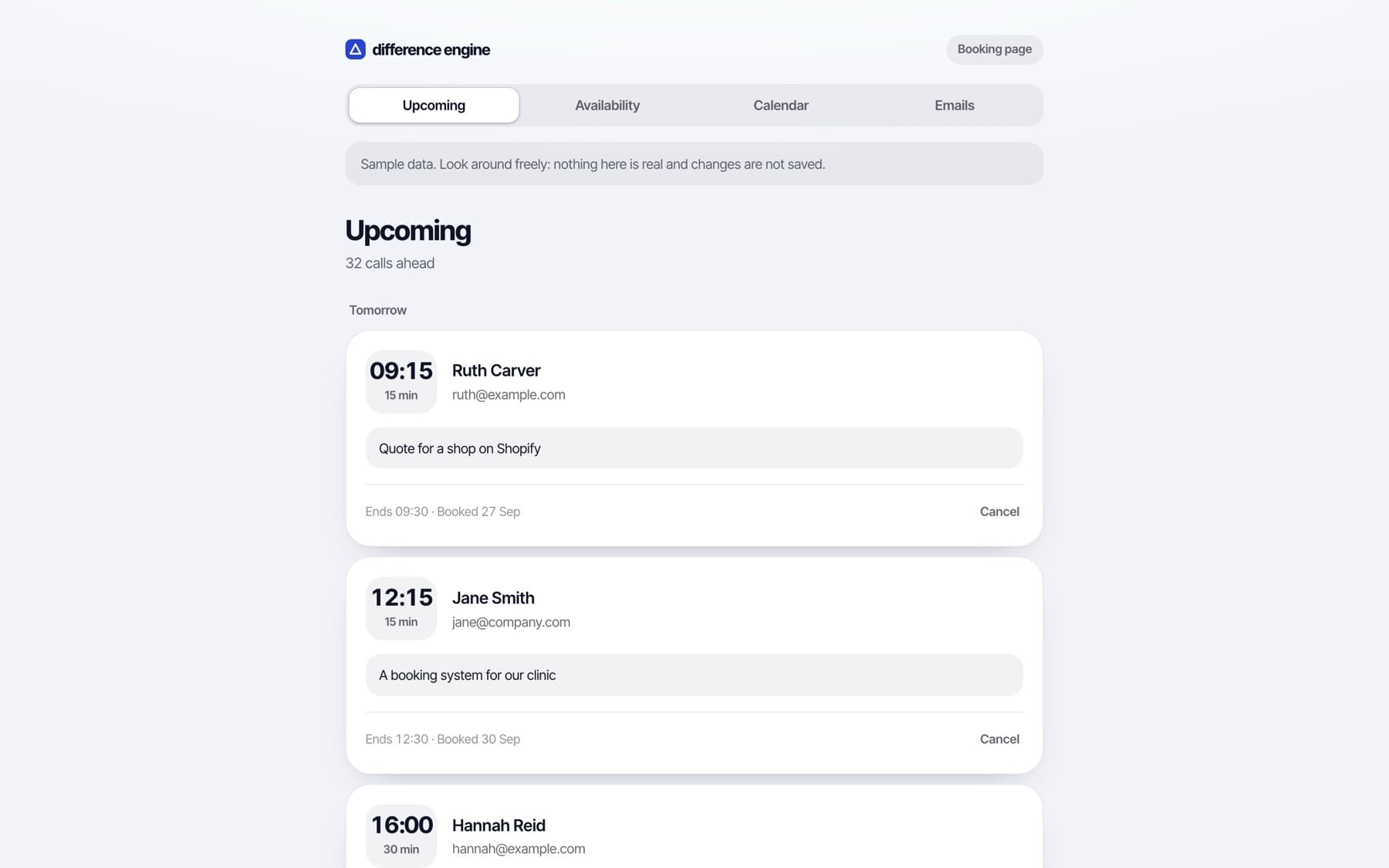
The dashboard, shown with sample data.
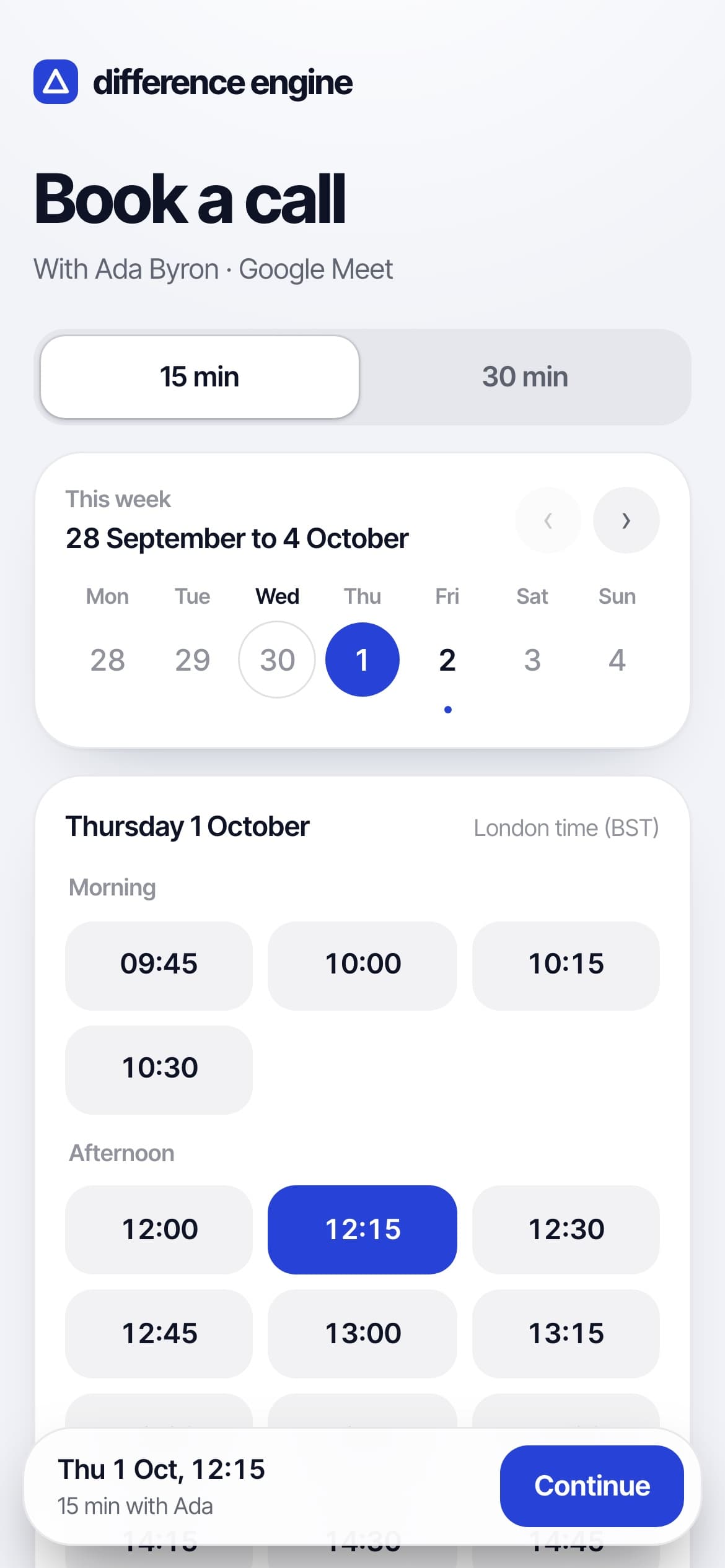
Built phone-first.
Outcome
It is live, and it is how people book calls with us. We don't have client numbers for it because it isn't a client's system. What it shows is how we build software: start from the one job that matters, keep the data private by default, and make it look finished on a phone.
Ready to grow your business?
Tell us what you need and you'll hear back within two working days. If you'd rather talk it through first, book a call.